
Let’s talk about a Canonical URL mistake almost everyone makes without knowing how Google handles it.
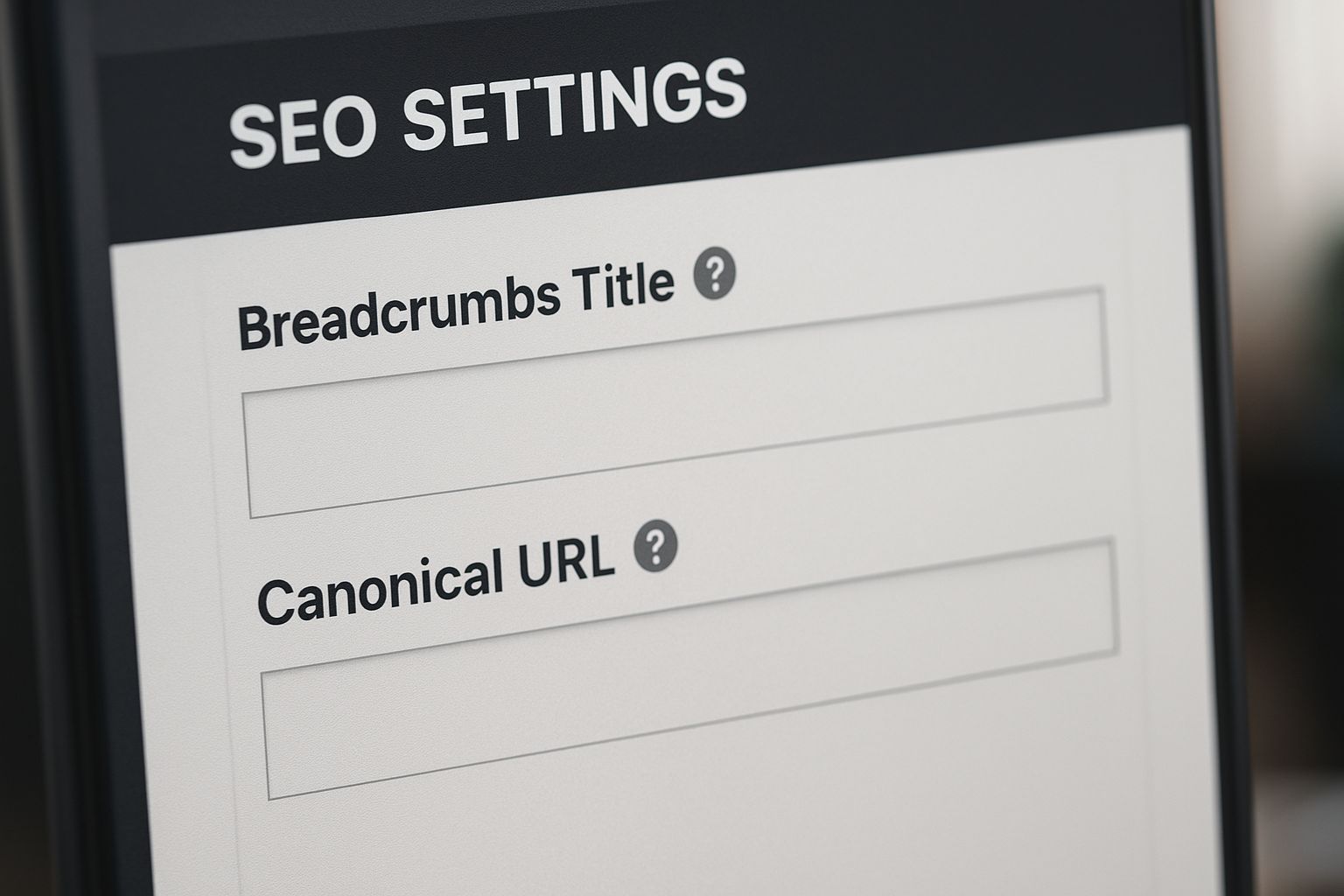
You copy a page → paste it → edit content → publish. Perfect workflow. Except… one thing stays unchanged: Canonical URL, Breadcrumbs, Meta identity,
Result?
Multiple pages end up with the same canonical.
Now the typical marketer panics: My SEO is ruined… Google will penalize duplicate content…Indexing will be ruined… But truth is the opposite.
A duplicate canonical is often a harmless mistake:
Google protects you.
Google ignores duplicates.
Google does NOT penalize.
Let me explain WHY in clean, simple, deep logic — BrivIQ style.
1. What Is a Canonical URL
Canonical = Google, if two pages look similar… THIS one is the real original.
It’s not a ranking booster. It’s not a penalty trigger. It’s simply a signal of preference.
Google uses canonicals to understand:
Which page to index
Which page to prioritize
Which page to avoid duplicates from
But here’s the real twist 👇
If many pages share the same canonical, Google simply ignores the duplicates.
2. What Happens When You Forget to Change Canonical on Duplicated Pages?
Google sees: Same canonical, Similar layout, Same breadcrumb, Same template
And decides: Oh, these are duplicates. I’ll only index the main one. Exactly the behavior you WANT Google to do.
Google does NOT,
- Penalize
- Reduce ranking
- Lower domain trust
- Apply any spam filter
Instead, it says: I’ll ignore the duplicates, I’ll protect your SEO. I won’t index wrong pages.
This is why this scenario = harmless.
3. Why Google Ignores Duplicate Canonicals
Google checks four layers before indexing:
Layer 1 — Page similarity
Duplicate layout?
Duplicate structure?
Not unique?
→ Ignored.
Layer 2 — Canonical conflict
If canonical points somewhere else → Google trusts the canonical
Layer 3 — Indexing eligibility
Google focuses on the “master” page.
Layer 4 — Crawl logic
Google reduces crawl frequency on accidental duplicates.
Result = No indexing. No harm. No confusion.
4. Why This Mistake Does NOT Harm Your SEO
Let’s list the facts:
- No penalty (Google doesn’t punish mistakes)
- No ranking drop
- No domain trust loss
- No coverage issues
- No index bloat
- No soft 404
- No duplicate content penalty
Google simply says: Thanks for telling me which one is original. I’ll ignore the rest.”
This is why you’re 100% safe.
5. How to Fix This Harmless Canonical Issue
Even if there’s no damage — you should fix it properly.
Step 1
Make each canonical self-referencing: <link rel=”canonical” href=”https://domain.com/page-slug/” />
Step 2
Fix breadcrumbs – Breadcrumb must reflect REAL page identity.
Step 3
Update Title + H1 + Description – So Google sees uniqueness clearly.
Step 4
Request Indexing (Optional) – This fix is safe. Because Google ignored the duplicates,
your index request does NOT cause any harm.
6. Recovery Timeline
- Day 1–3: Google reads the canonical updates.
- Day 3–7: Duplicate signals drop automatically.
- Day 7–14: Breadcrumb corrections reflect.
- Day 14+ Canonical warnings disappear.
How to Avoid This Mistake Forever
- Use page templates WITHOUT canonical pre-filled
- Fix canonical FIRST, content later
- Always check breadcrumbs
- Use Screaming Frog to scan canonicals
- After cloning → update slug + canonical immediately
- Never publish duplicates with original canonical
Do these → 100% safe forever.
BrivIQ Insight
Canonical tags don’t destroy SEO. Wrong canonicals don’t cause penalties. Duplicate canonicals don’t break rankings. Google already knows humans make mistakes.It doesn’t punish. It corrects silently.
Google protects good sites as long as intent is clean.
This is the difference between “penalty SEO” and “behavior SEO.”
This is why understanding how Google thinks is more important than learning “100 ranking factors.
Conclusion
This article wasn’t theory — it was something I genuinely tested. If this saved you from stress or confusion, feel free to share it with someone who needs clarity.
Thank you for taking time to read this.
Frequently Asked Questions
No. Google simply ignores them.
No. Index request doesn’t cause any problem.
Yes, but the issue isn’t urgent. Safe to fix anytime.
Not required. Canonical already tells Google what to ignore.
No — it’s one of the most harmless SEO mistakes possible.


